USB-C to HDMI Adapter 4K | SCREEN +
If you need to add a second screen to your company laptop, this is a quick & easy solution at a reasonable price.This adapter supports up to 4K@30Hz (1080p@60Hz) resolutions, providing you a stunning clarity and sound for the ultimate 4K viewing experience. Flexible braided nylon for extra durability allows the adapter to be more compact and travel-friendly.
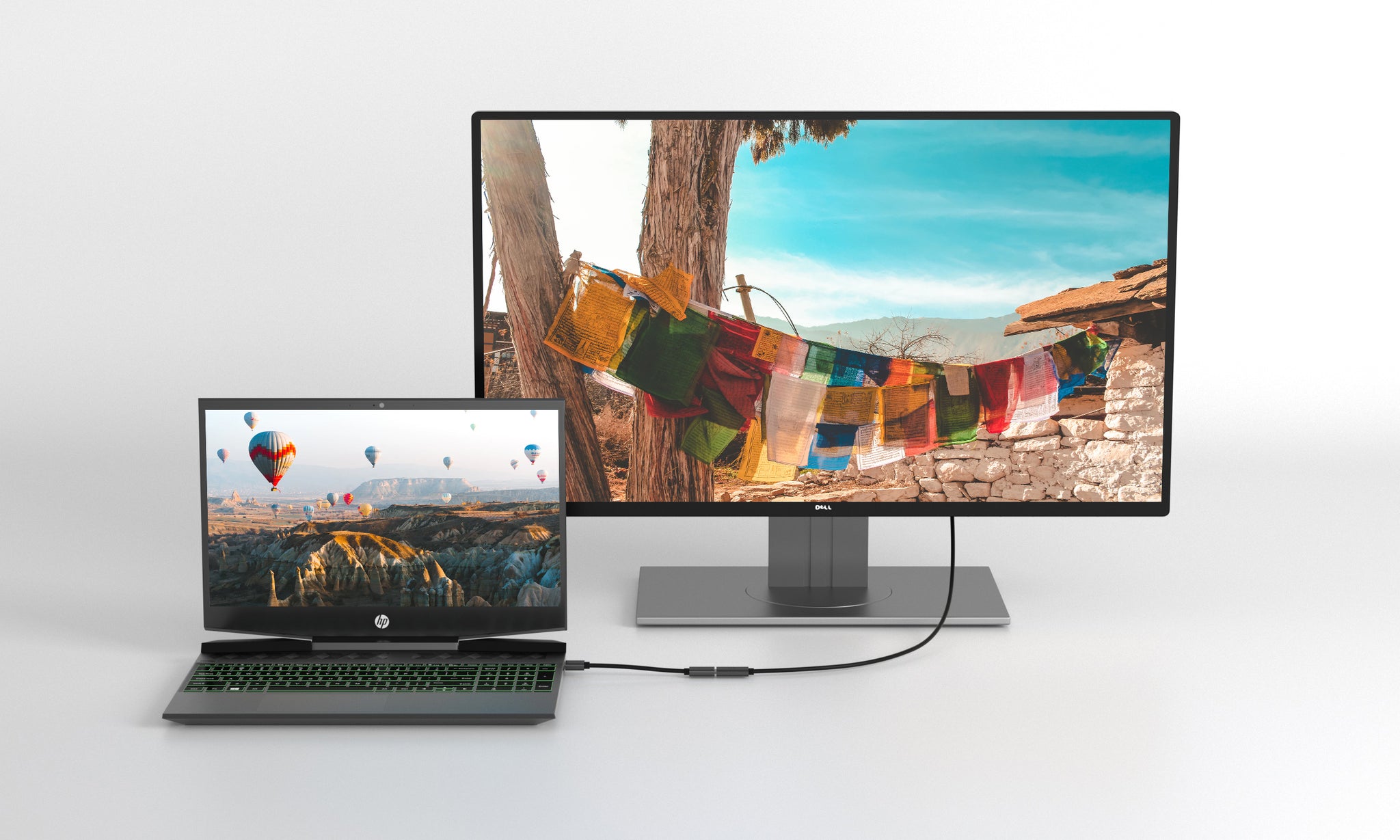
Support Display Port Alt Mode
4K@30Hz
Good quality for the money.
Cheaper than the 60Hz version, the picture quality is indistinguishable from any other HDMI driven screen and the fact it has the HDMI cable built in makes this a no brainer purchase. Stream protected content from Netflix/ Hulu/ iTunes.
Plug-and-Play Simplicity
No driver or adapter needed. Easy installation and plug and play operation make this an easy choice if Bluetooth or WiFi doesn't work on your system. (Some apps aren't supported but there are work arounds.)
*ONLY works with DisplayPort Alt Mode enabled devices.
*Note: Recommend to use the adapter with HDMI 2.0 Cable.
Original: $89.99
-70%$89.99
$27.00


Description
If you need to add a second screen to your company laptop, this is a quick & easy solution at a reasonable price.This adapter supports up to 4K@30Hz (1080p@60Hz) resolutions, providing you a stunning clarity and sound for the ultimate 4K viewing experience. Flexible braided nylon for extra durability allows the adapter to be more compact and travel-friendly.
Support Display Port Alt Mode
4K@30Hz
Good quality for the money.
Cheaper than the 60Hz version, the picture quality is indistinguishable from any other HDMI driven screen and the fact it has the HDMI cable built in makes this a no brainer purchase. Stream protected content from Netflix/ Hulu/ iTunes.
Plug-and-Play Simplicity
No driver or adapter needed. Easy installation and plug and play operation make this an easy choice if Bluetooth or WiFi doesn't work on your system. (Some apps aren't supported but there are work arounds.)
*ONLY works with DisplayPort Alt Mode enabled devices.
*Note: Recommend to use the adapter with HDMI 2.0 Cable.


